Candidate
You can manually invite candidate by first clicking the Add candidate button.
Add Candidates
Add a new candidate by providing their full name and email:
- Name
- Email address
- Phone number (optional)
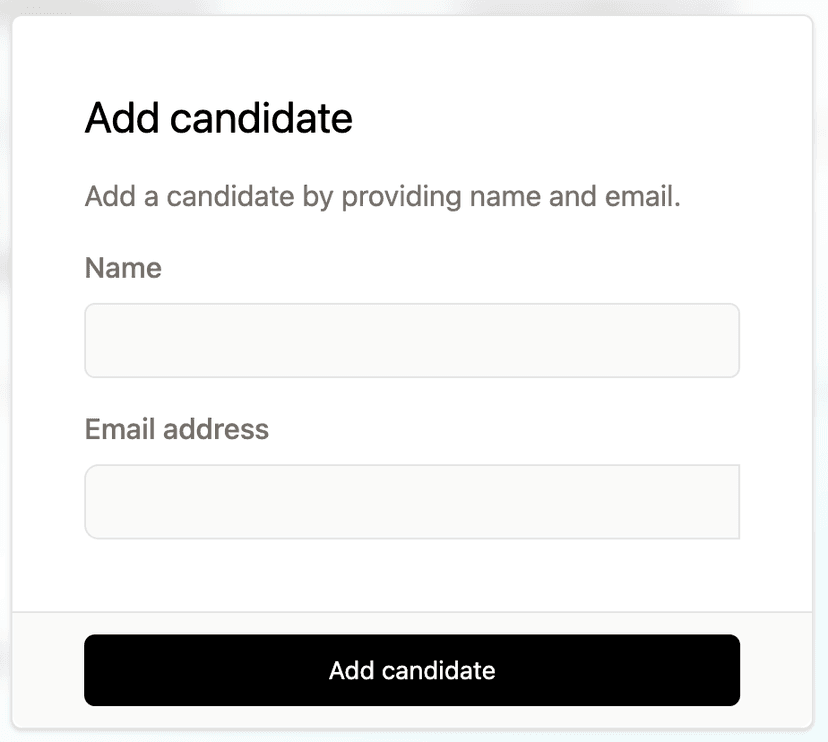
There is a check box to automatically inviate the candidate to an interview.
Once you click Add candiate, you will be returned to the candidate page you can optionally upload a resume. Once this is added you will see a summary and attributes will be extracted in the candidate tabs.
Candidate tabs
The candidate page has a tabbed control, with a series of sections, most of which are populated by fairgo.
Candidate Info
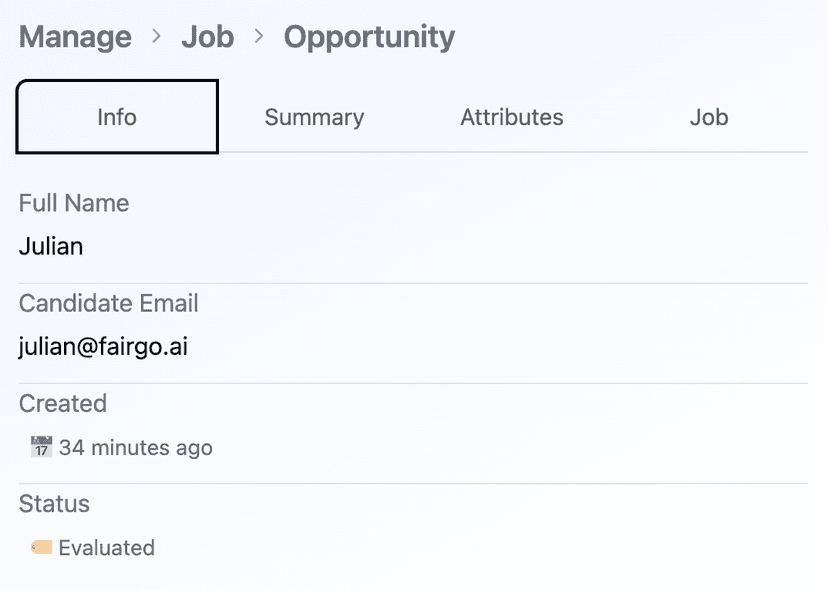
This tab includes information provided when the candidate applied for the job.
- Full Name
- Candidate Email
- Created or Evaluated date
- Status: initially
CreatedthenEvaluatedafter content is parsed.
Candidate Summary
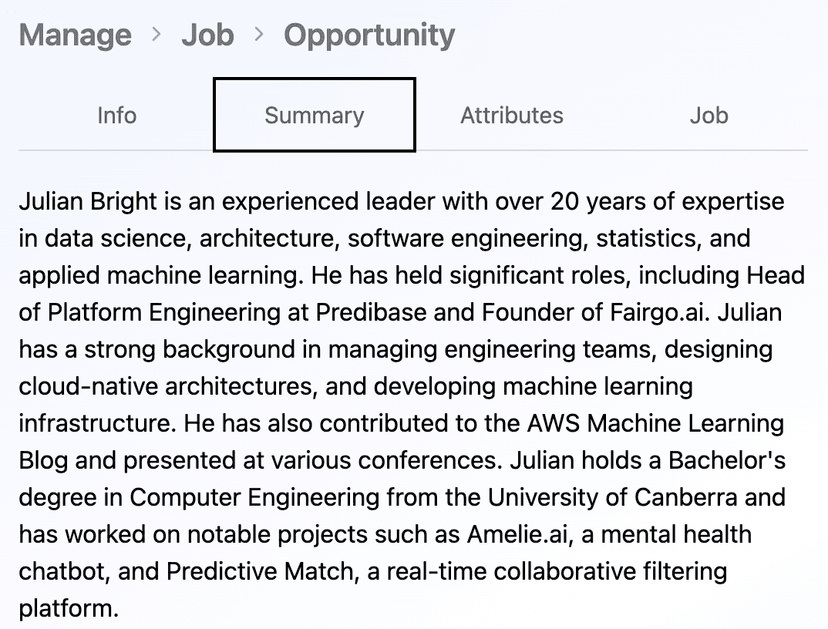
This tab includes a summarised version of the candidates resumes.
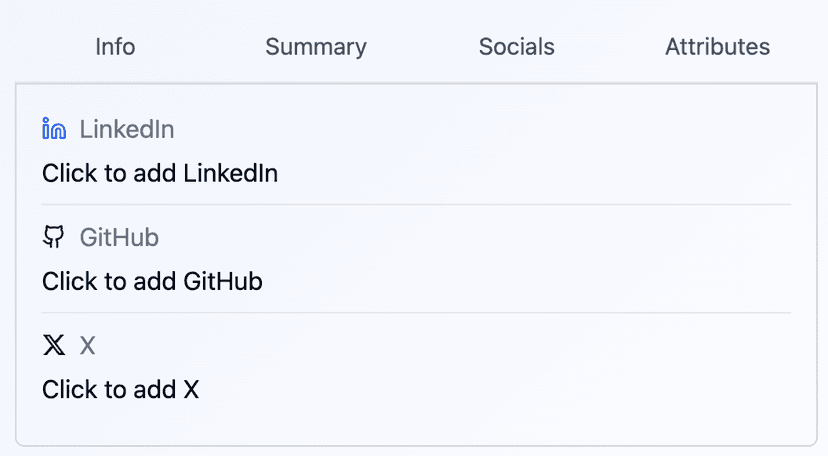
Candidate Socials
This tab provides the opportunity to link social media proffiles for Linkein, GitHub and X:
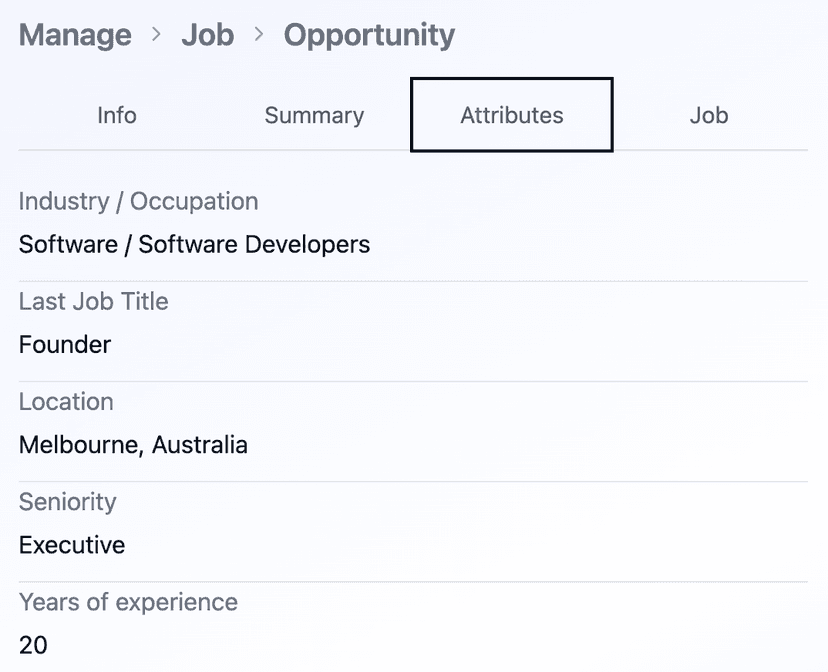
Candidate Attributes
This tab contains a series of attributes extracted from the resume document including:
- Candidate Name (if different to application)
- Industry / Occuptation
- Last Job Title
- Location
- Education Level
- Seniority
- Years of experience
Cards
This page also includes additional detail for the resume and interview to evaluate once complete.
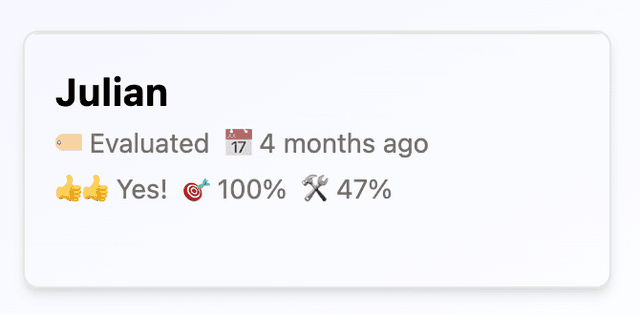
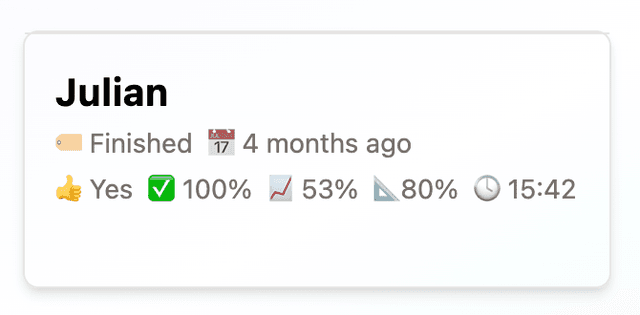
Cards provide a snapshot of key metrics.
Resume Card
This tab provides a brief summary of a resume including:
- Status
- Created date
- Recommendation:
Strong hire,Hire,No Hire,Strong no hire - Requirements Match %
- Skills Match %
Interview Card
This tab provides a brief summary of an interview to evaluate including:
- Status
- Created date
- Recommendation:
Strong hire,Hire,No Hire,Definite no hire - Completion %
- Score %
- Personality Compatbility %
- Time taken for the interview
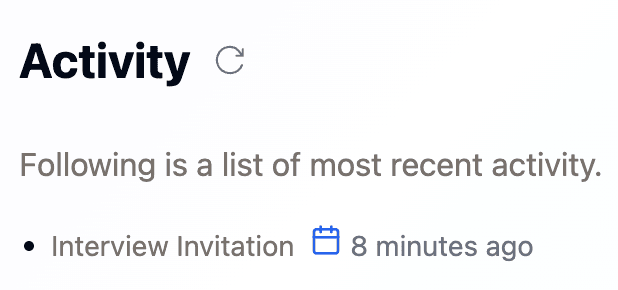
Activity
All activity related to the opportunity, along with actions area available at the bottom of the page.
Workflow
Folliwing is the activity workflow after the candidate initially applies for the job creating the opportunity.
- Interview Actions:
- Interivew Started: Candidate has started the interview.
- Interview Evaluated: Candidate completed the interivew and it was evaluated.
- Hirer Actions:
- Opportunity Reviewed: Candidate marked for review
- Opportunity Shortlisted: Candidate shortlisted for interview
- Opportunity Rejected: Candidate rejeected
- Candidate actions
- Candidate Inbound: Candidate replies to email notifications.
YOu will see a list of all activities at the bottom of the candidate page.
Hirer Actions
The hirer has the option to initial Review or Reject an opportunity, or Delete the opportunity in the case that no interview had taken place.
- Review
- Reject
- Shortlist
- Delete Opportunity
Once a hirer has identified the top candidates they can Shortlist these, which will result in an email being sent to the candidate inviting them to find a time to interview.
Notifications
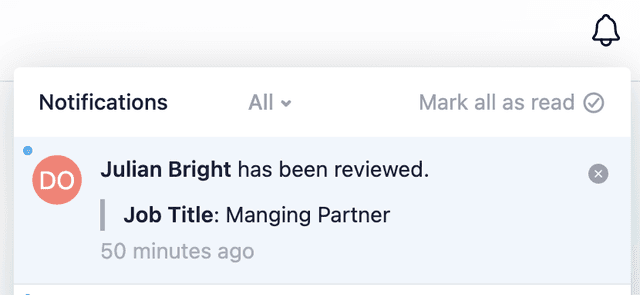
In-app notifications will be shown in the top right hand corner when an action is taken